It is recommended to use Chrome browser from a laptop or PC to manage the merchant account.
1- Registration on the website.
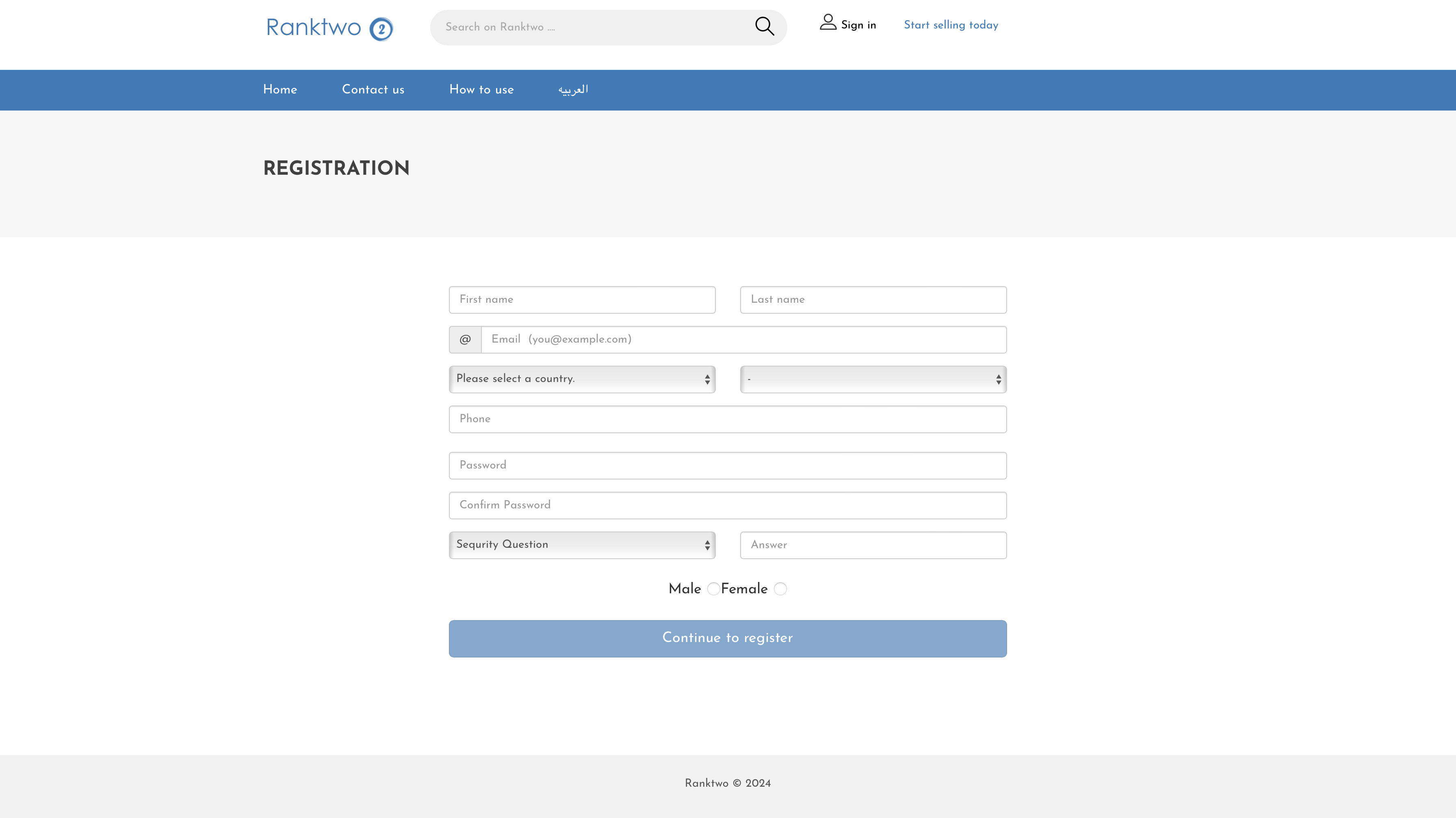
2- Add store information.
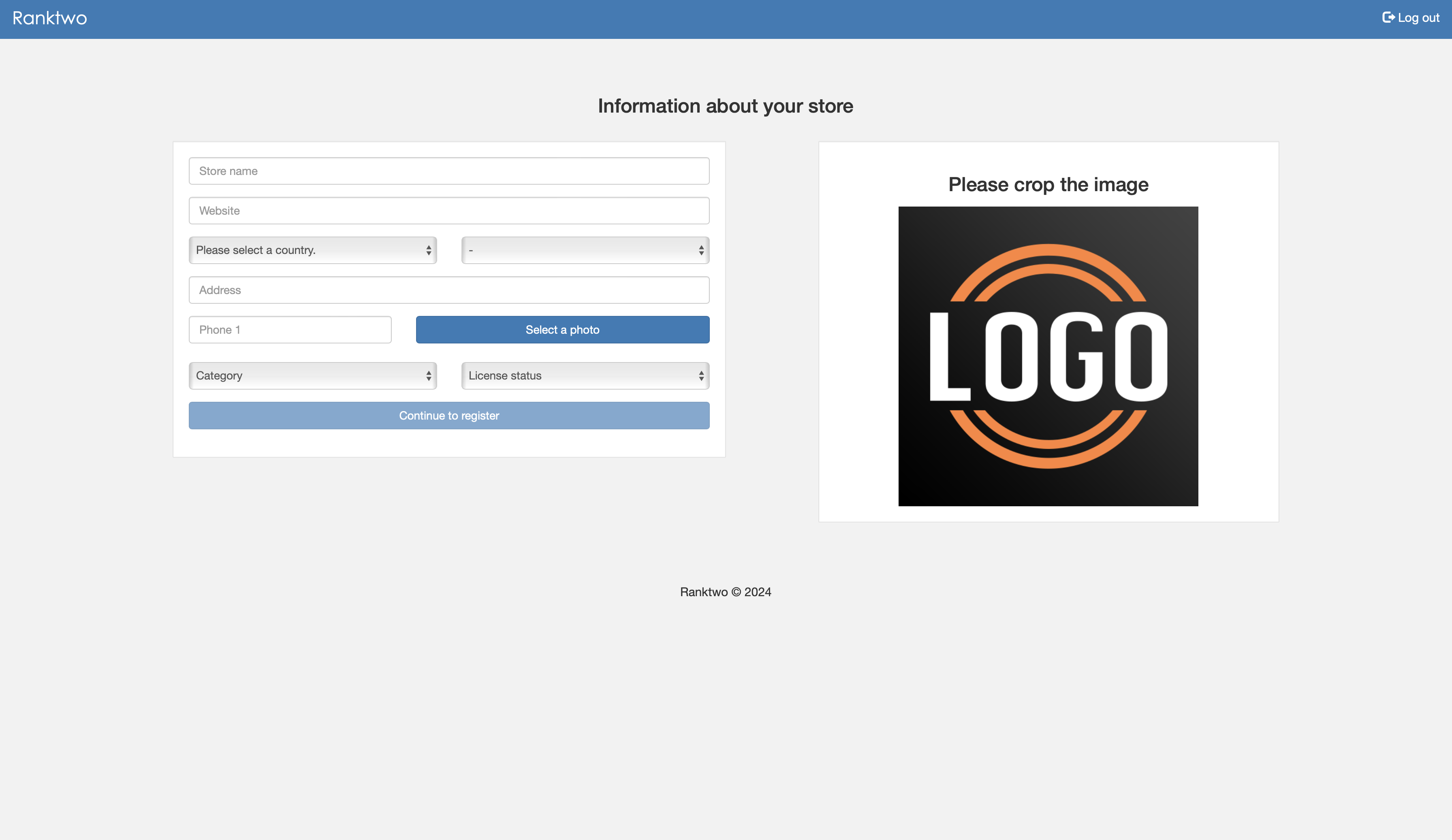
Now you have got a month for free and you can add up to 40 products.
After the trial month ends, you can renew the same package or choose a larger package.
3- Add product details.
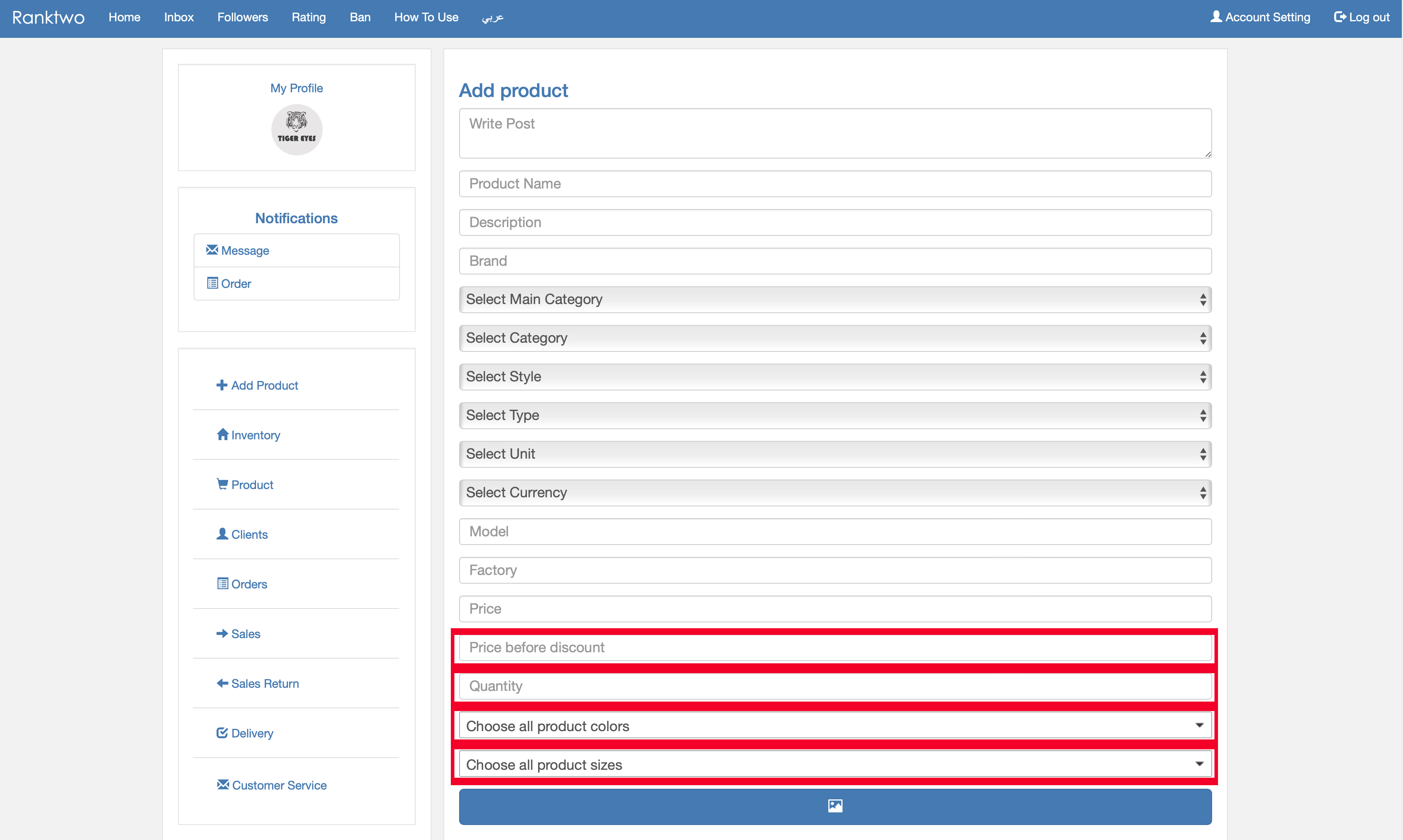
- Add all information about your product.
- You must add colors, sizes, and quantities if your product contains them.
- If your product does not contain colors, choose one color.
- If your product does not contain sizes, choose one size.
- Add the average quantity of your product in stock.
- You can modify quantities later in inventory.
- After adding your product, it will be reviewed before publishing.
Important Notes
- Add a detailed and accurate description.
- Use high-quality images.
- Add attractive marketing wording.
- Share your page link with your customers to increase reach.
4- Modify inventory quantities.
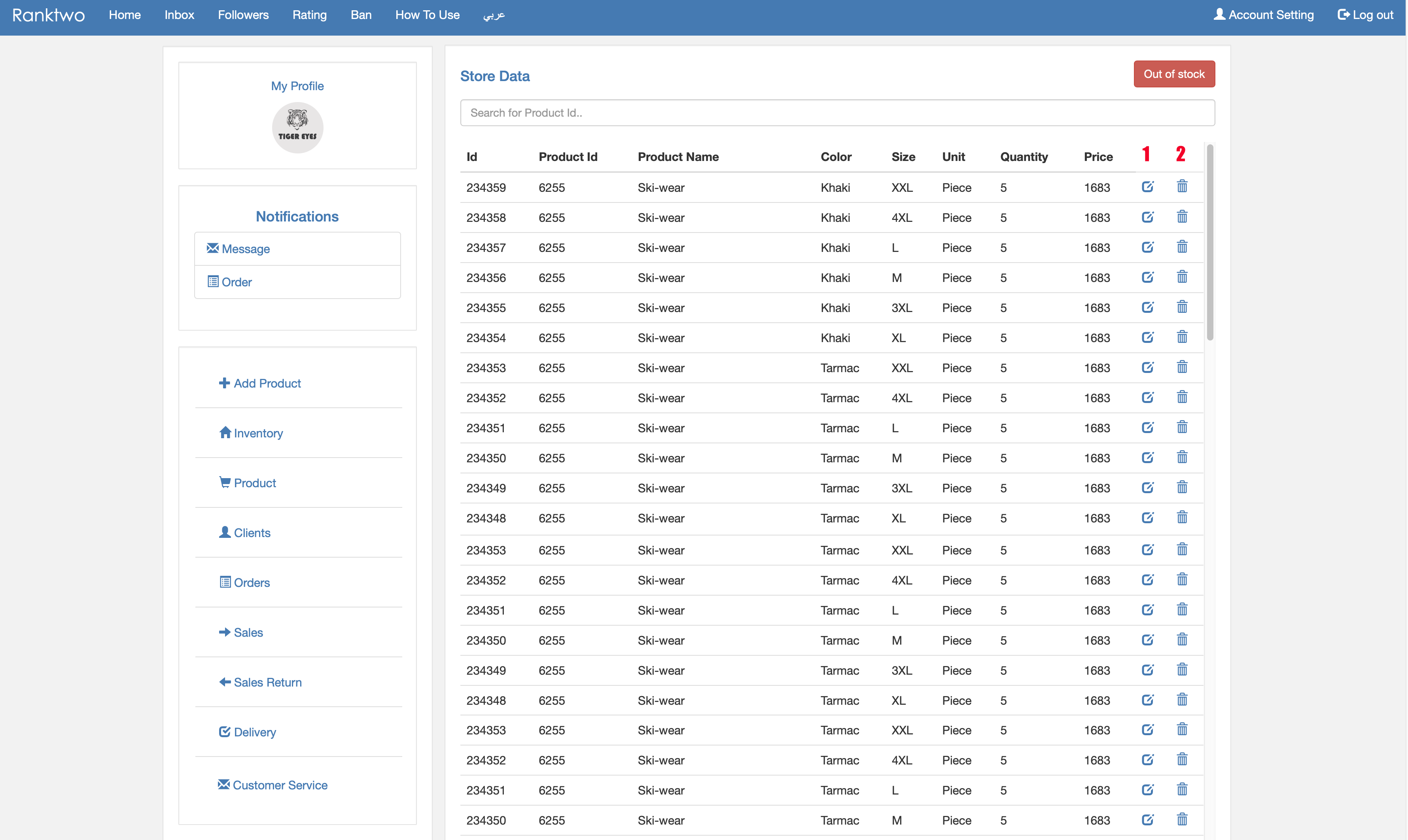
- Modify quantities.
- Delete product stock.
- Add new quantity.
5- Manage and control orders.
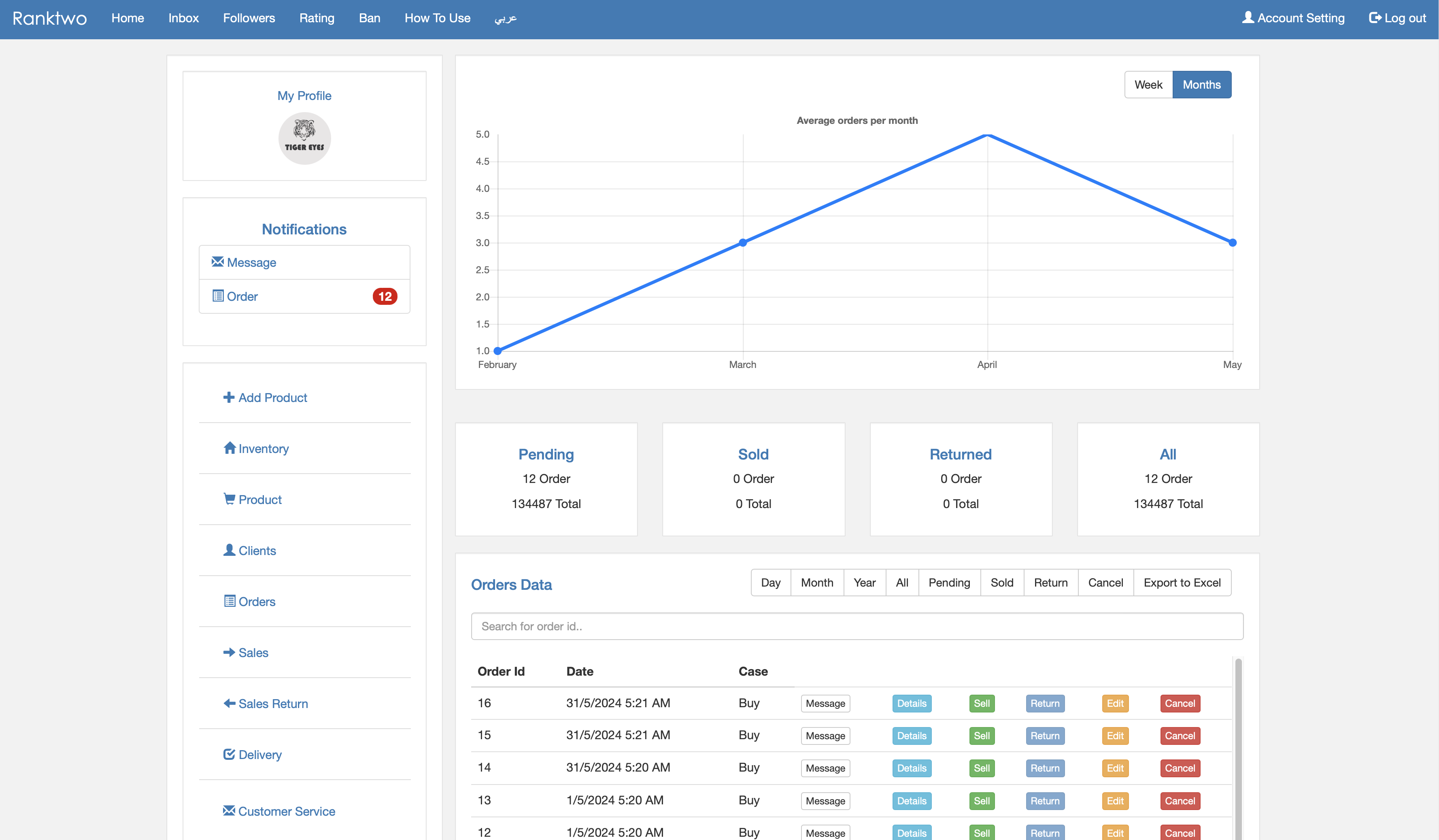
- View all orders and reports.
- Details button: view all information about the order.
- Sell button: click when product is delivered.
- Cancel button: click to cancel order.
6- Delivery and shipping management.
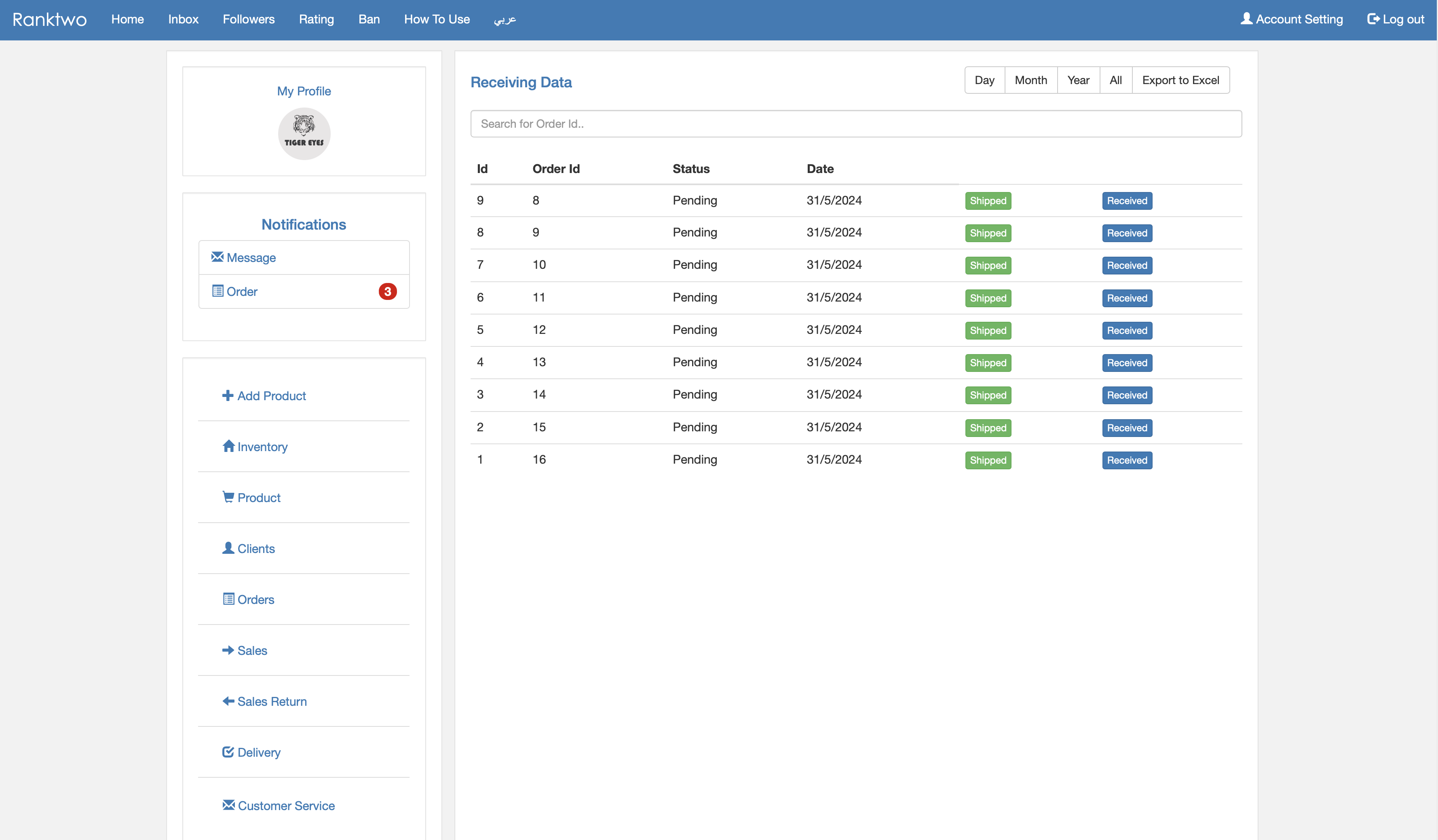
- Click Shipped when product is sent.
- Click Delivered when product is received.
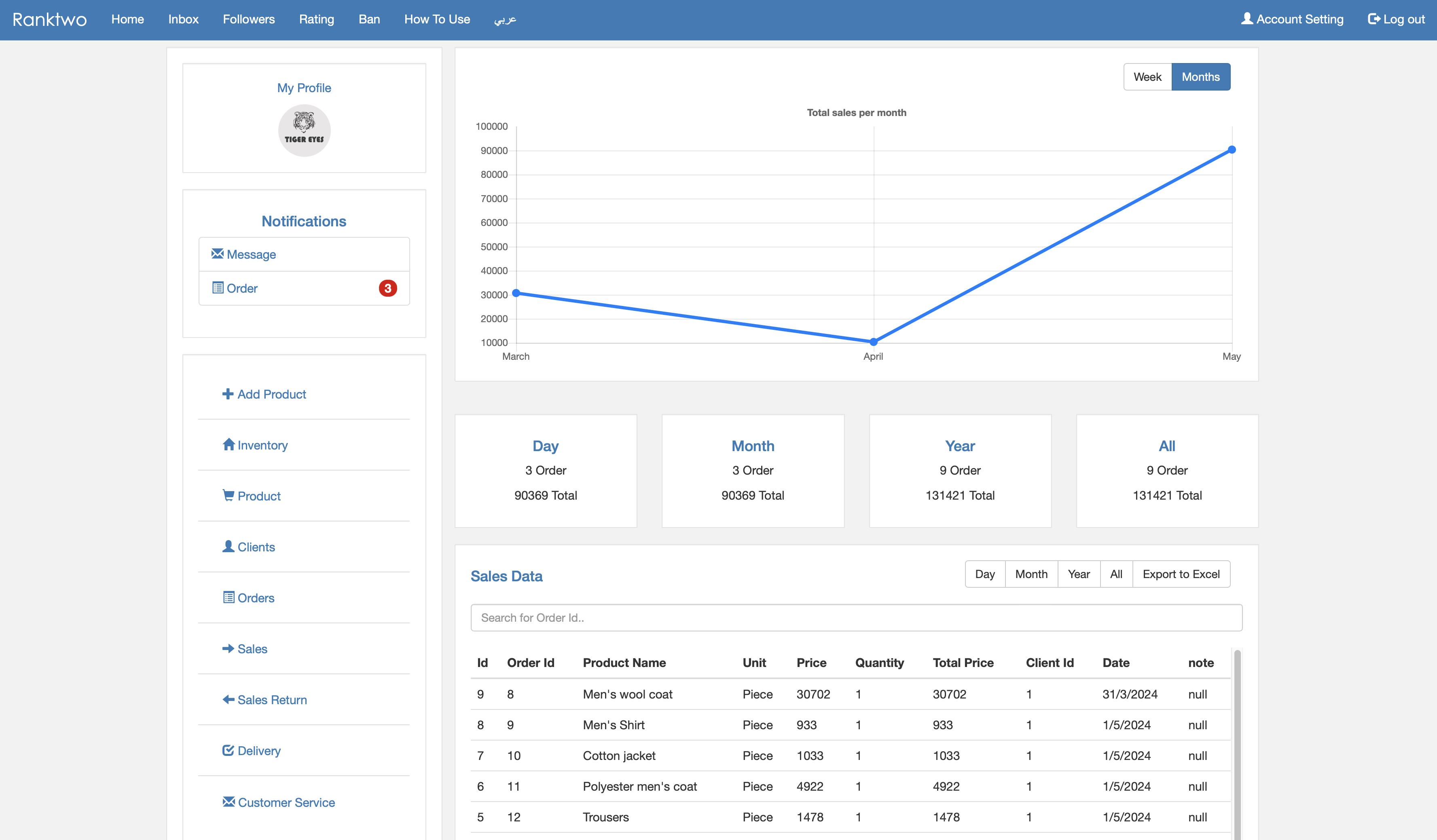
7- Sales statistics and reports.
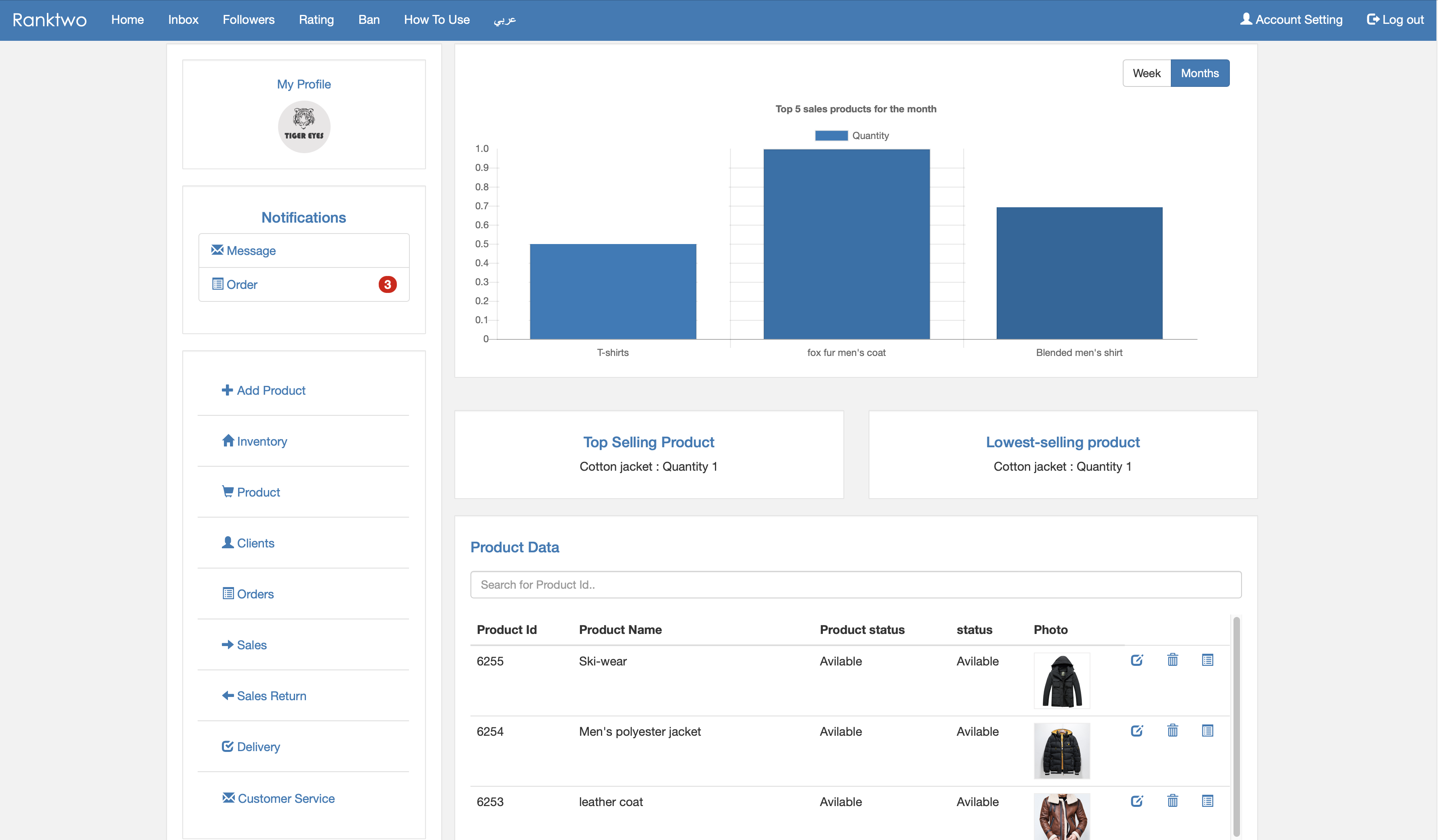
8- Modify and view product details.
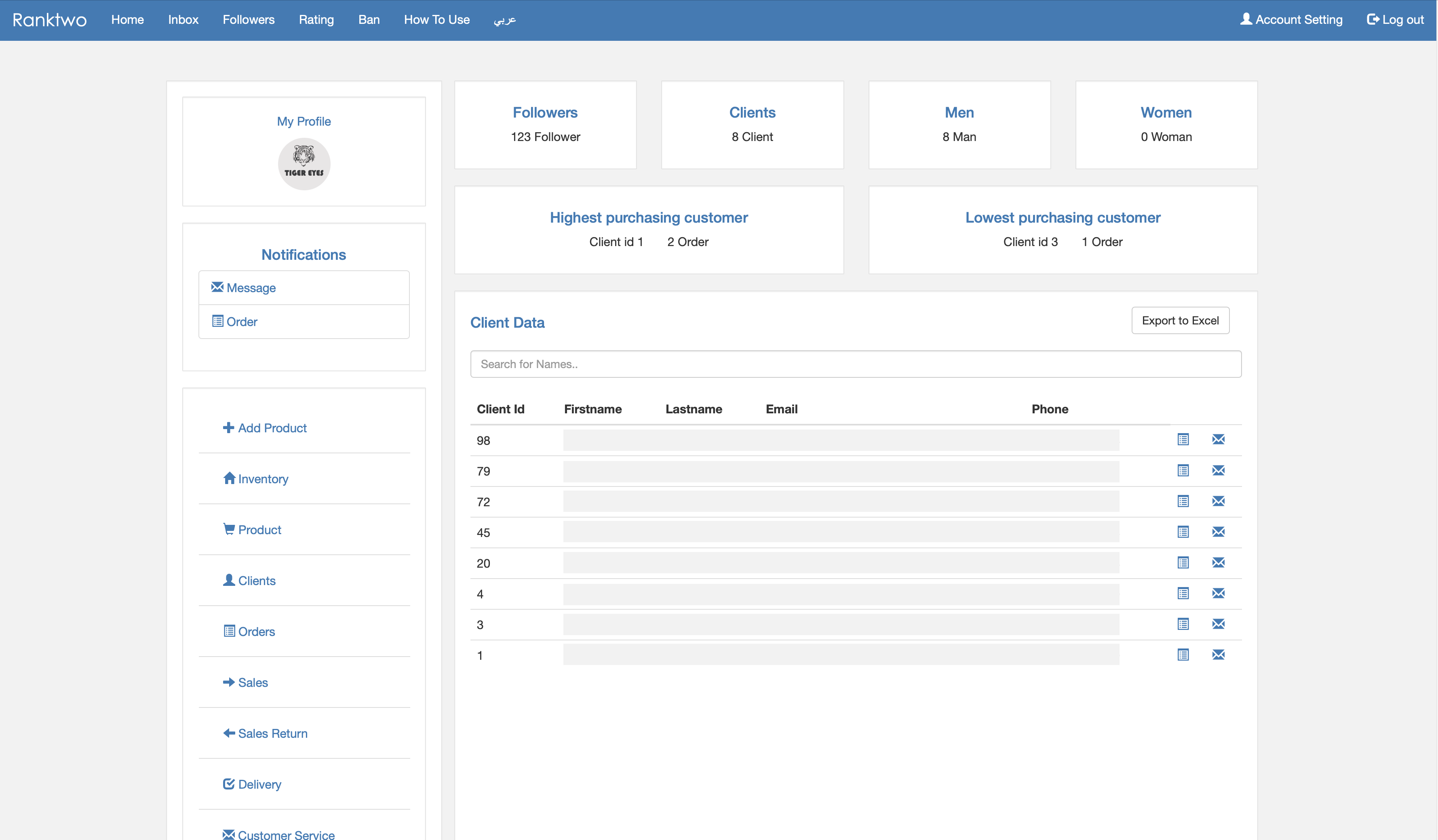
9- View customer information and reports.
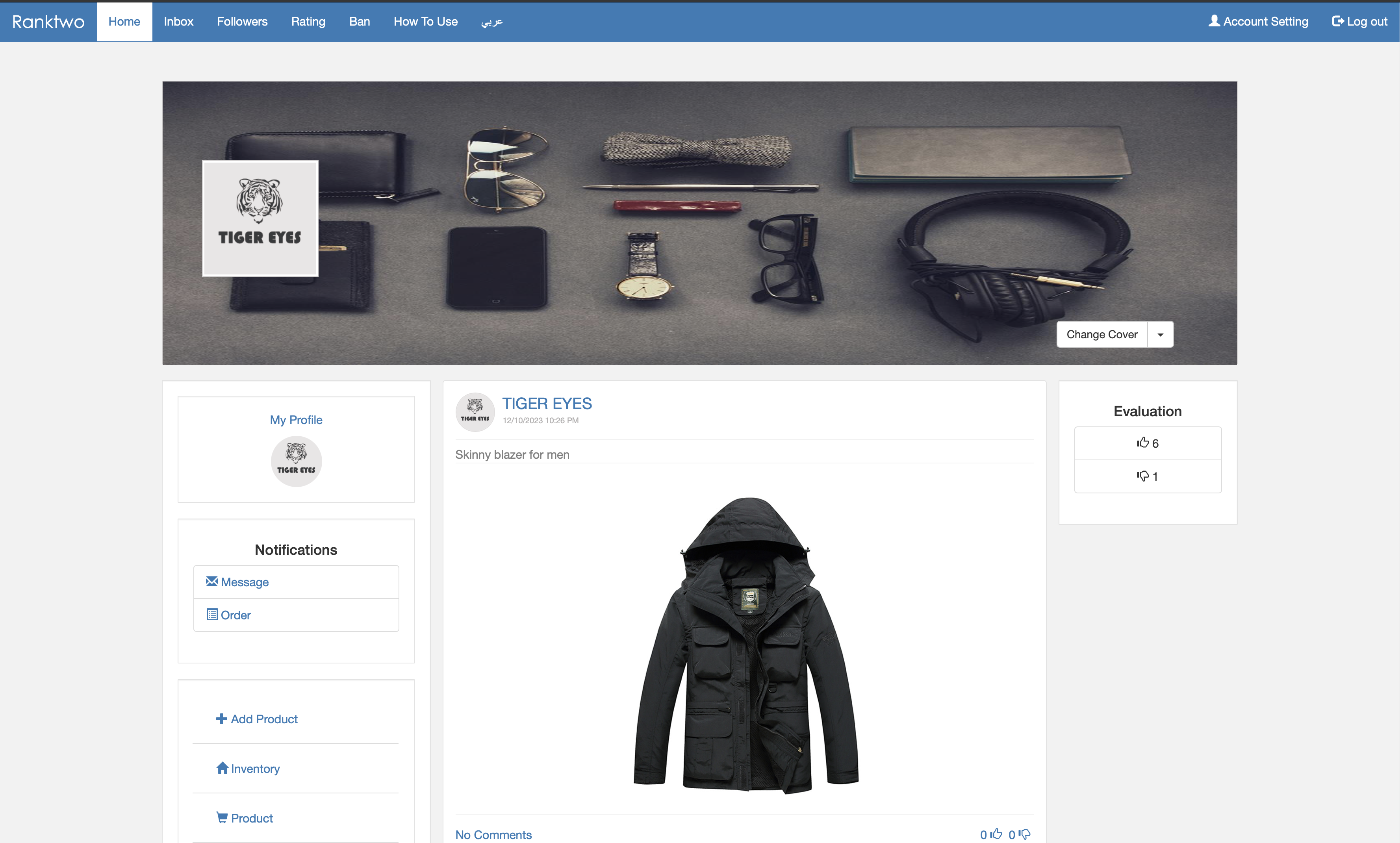
10- Change cover, logo, and get the page link.
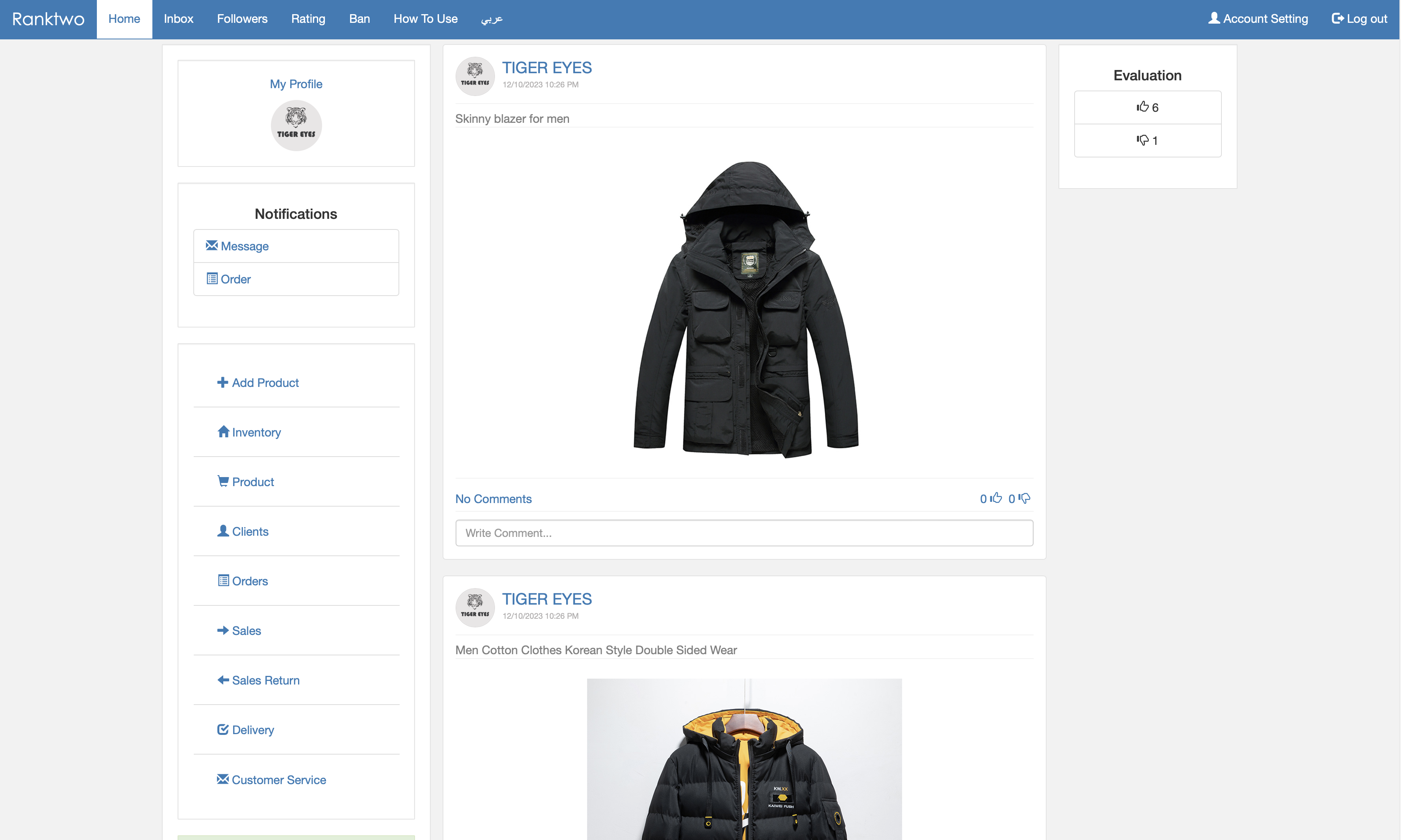
11- Respond to comments on products.
12- Product display to customers.
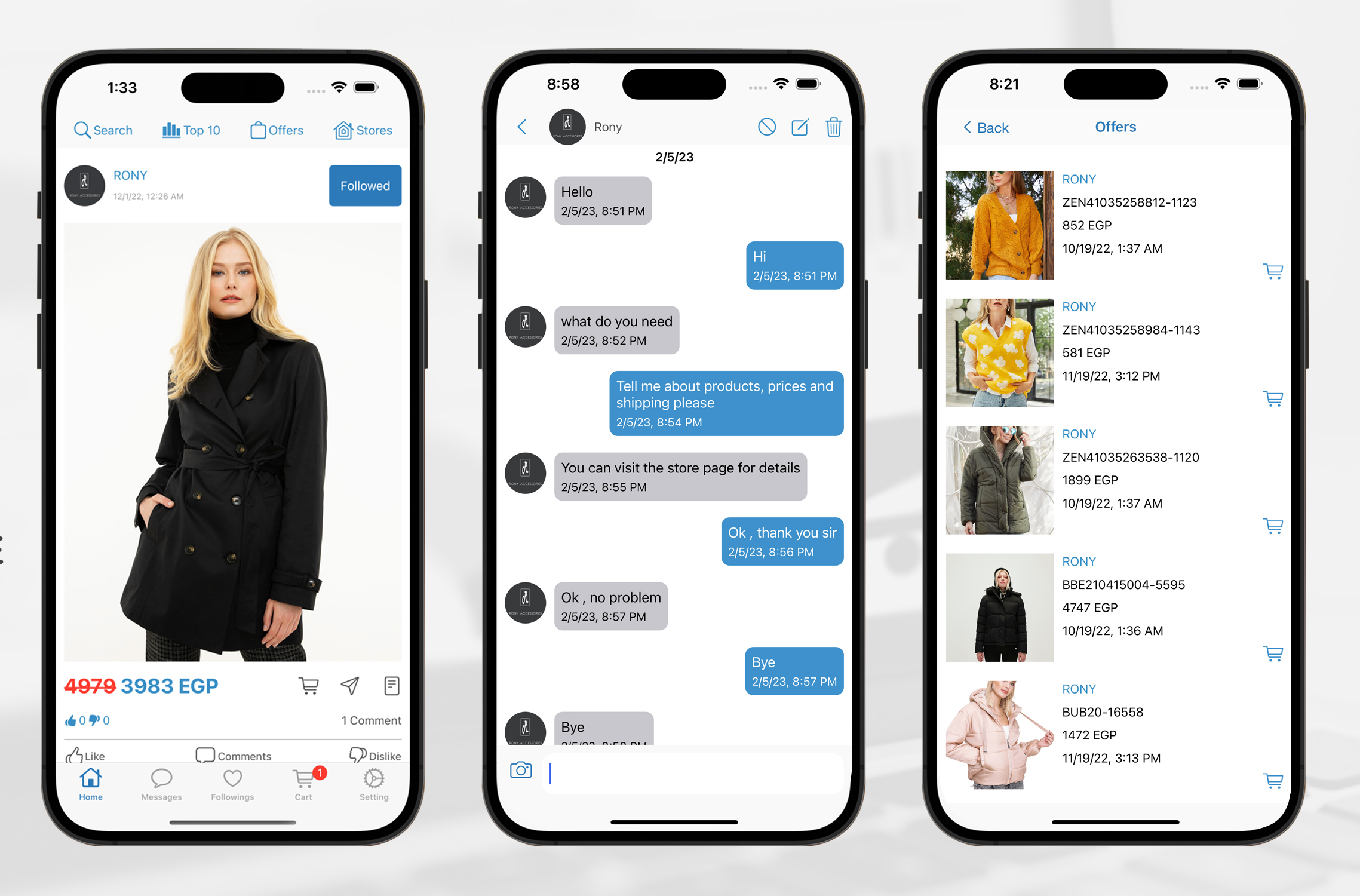
You can download the app and register as a user to see how it works.